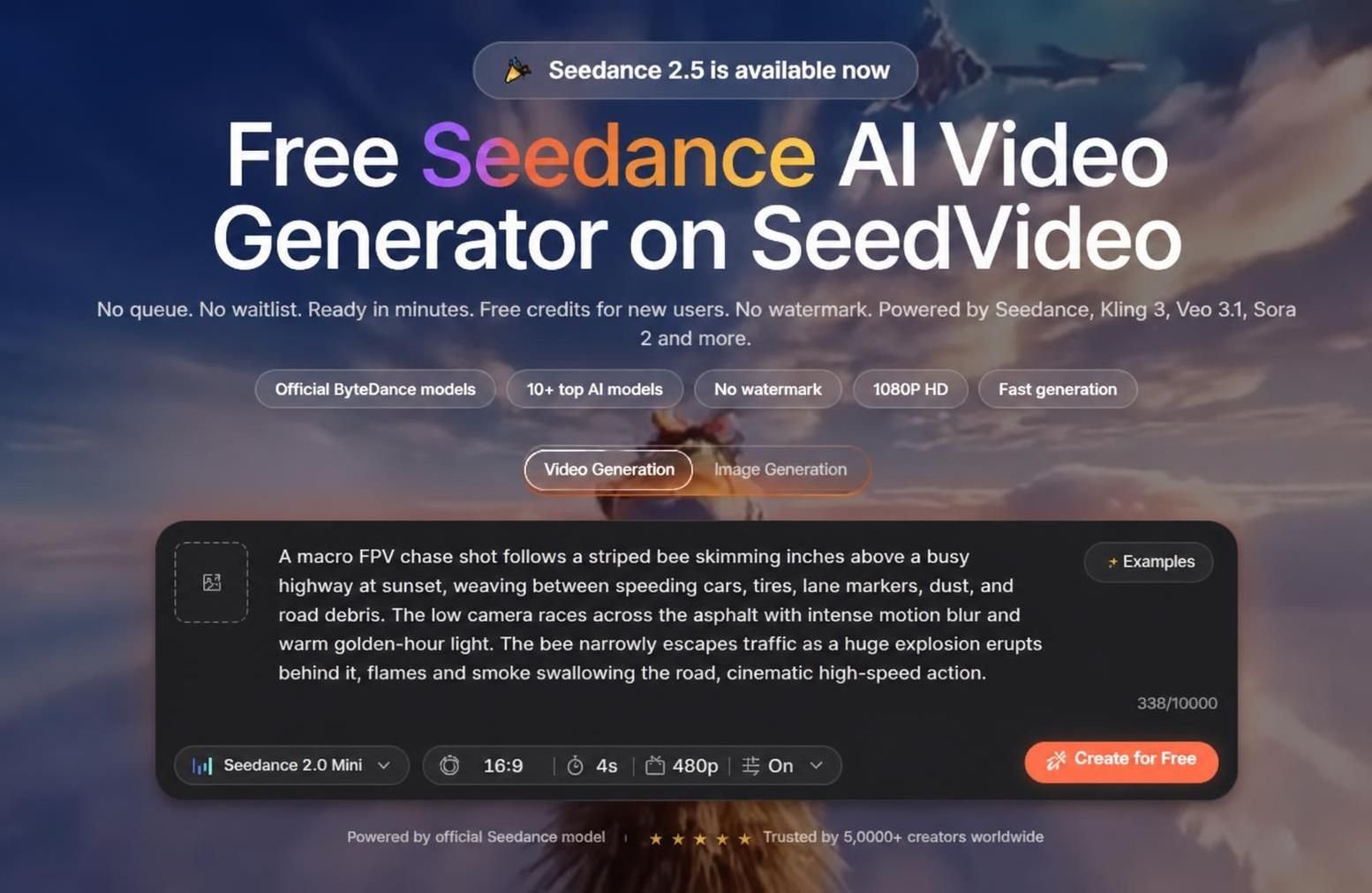
AI video creation is getting easier, but which platform to choose? Many websites offer intriguing demonstrations but limit resolutions, add watermarks, or require costly memberships. In this Seedance AI video generator review, we discuss what Seedance.io offers, how its generation system operates, its affordability, and if it is suitable for newcomers and professionals alike.
Seedance.io promotes itself as an online AI video tool which runs on Seedance and other popular video models. The website also bundles Kling, Veo, Sora, Hailuo, Grok, and other tools in one workspace, making Seedance.io appear as a multi-model rather than a single tool.
What Is the Seedance AI Video Generator?
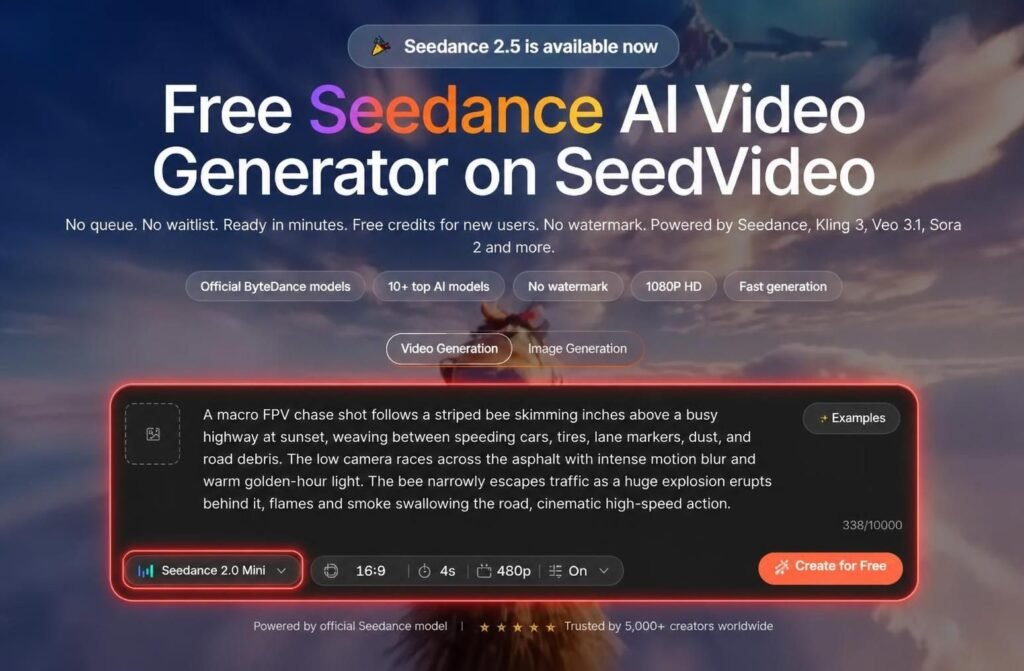
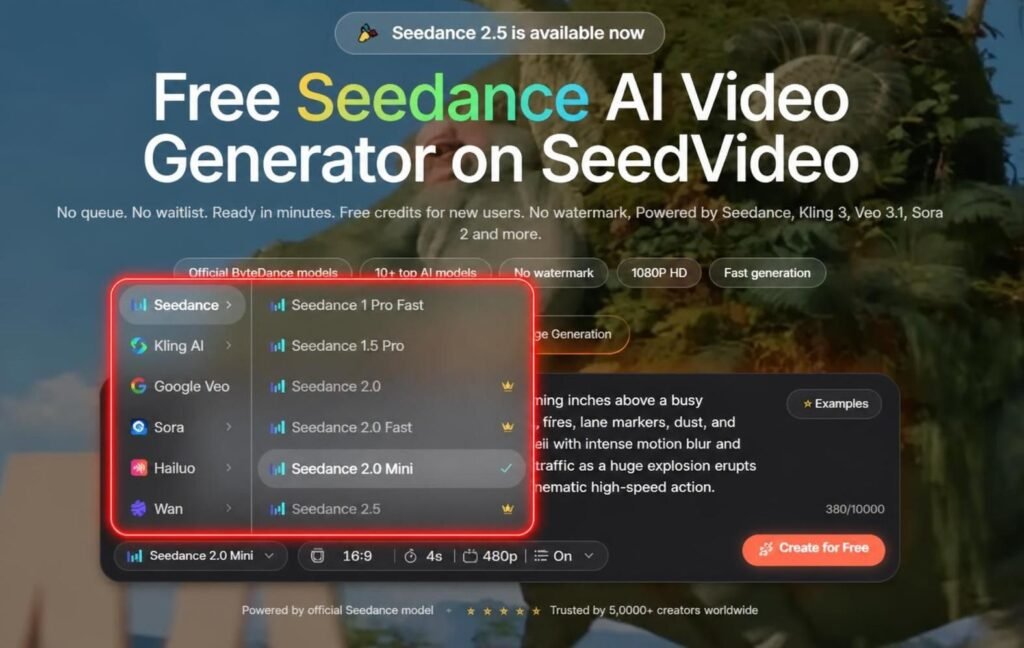
Seedance is an AI video model family which is operated by ByteDance. In the Seedance.io platform, users may generate videos using textual prompts or images animation. Seedance.io also promotes the ability to operate multiple video and image models such as Seedance 2.0, Seedance 2.5, Kling, Veo, Sora, and others.
The software’s interface is relatively simple: users set up an account, select a desired model, enter a prompt or upload an image, set the desired settings, and launch the AI video generator. While the website promises for rapid production (within minutes), practical results depend on the selected model, a video’s resolution, duration, and other factors.
Seedance.io promises 1080P export for the 1080P plans, rapid generation, private generation, and no-watermark exports where applicable. At the same time, commercial use depends on the plan and its corresponding Cancellation & Money Refund policies, which businesses may want to review before publishing videos created with the tool.
Main Seedance AI Video Generator Features
The website offers multiple features which may be considered valuable by content creators:
- Text to video creation
- Image to video animation
- Multi-model operation
- Free credits for new users
- No-watermark exports
- 1080P outputs (on specific plans)
- Various aspect ratios: 16:9, 9:16, 1:1
- Private generation
- Concurrent generations (on specific plans): simultaneous videos creation
- Image and Video Creation in one account
The text to video creation is beneficial when the creator wants to describe a scene to a certain degree: for example, to recreate a cinematic product photo, illustrate a fictional landscape or build a hypothetical product shot. On the other hand, the image to video animation is helpful when a designer, marketer, photographer, or animator wants to turn a photo, product shot, character design, or another image into a video without describing every detail in a prompt.
Is Seedance AI Free?
Seedance.io offers one free option which provides new users with 5 credits. This feature allows one to test the system before paying for a subscription, but the number of videos created for free depends on the selected model and its output settings.
The pricing page lists “Lite”, “Pro”, and “Premium” options. In any case, the depicted rates for yearly subscriptions suggest that monthly payments may be more expensive, depending on a country’s laws, taxation practices, promotions, and other factors.
| Plan | Displayed price | Credits | Best for |
|---|---|---|---|
| Free | $0 | 5 credits | Testing the platform |
| Lite | $13 per month when billed yearly | 100 credits | Occasional creators |
| Pro | $14.50 per month when billed yearly | 200 credits | Regular creators |
| Premium | $99 per month when billed yearly | 1,300 credits | High-volume production |
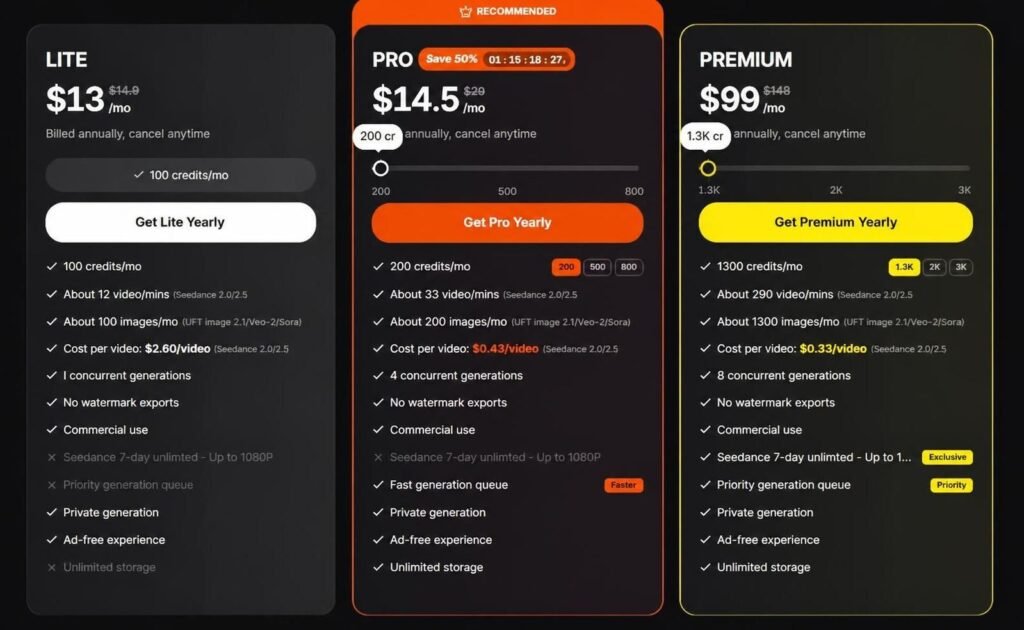
According to the website, yearly subscriptions suggest potential savings of up to 50 percent as compared to monthly ones. Pro and Premium options state their ability to support commercial use per the corresponding Cancellation & Money Refund policies, while Lite’s monthly option limits such possibilities.
Credits are spent based on a model, video length, resolution, animation settings, and other factors, while unused monthly credits depend on the subscription plan and its stated renewal date. Due to this, it is advisable for users to calculate the spendings per one video beforehand, particularly when using high-resolution (1080p) and long videos.
Pros and Cons of Seedance AI
Pros
- Free credits allow new users to try before spending money
- Several popular AI video models are available in one platform
- Text-to-video and image-to-video are supported
- No-watermarks exports are available on supported plans
- Higher plans offer more simultaneous generations
- The interface is meant for users who want to get started right away
- Variety of plans for occasional and frequent creators
Cons
- The free plan only allows for a few credits
- More advanced models require a paid plan
- Pricing and promotional offers can change
- Commercial rights to outputs may vary by plan and checkout terms
- Outputs can vary between models and prompts
- Higher-volume production can get expensive
- Users should compare the credit cost of each model before making many videos
Who Should Use Seedance.io?
Seedance.io can be a good fit for YouTubers, social media managers, marketers, designers, filmmakers, educators, and small businesses that need AI-powered clips.
Beginners can use the free credits to familiarize themselves with the prompt writing and experiment with different models. Frequent creators will probably be more satisfied with the Pro plan due to the higher limit of simultaneous generations and bigger monthly credit allocation. Meanwhile, Premium seems to be a good fit for agencies or teams that regularly create a high volume of videos for clients.
Seedance.io is not a good fit for those who only need an occasional video edit, those who want to edit a project in a timeline interface, and those who seek maximum control over each element of the generated video. This is an AI video generator, and not a professional video editing tool.
How to Get Better Results with Seedance AI
The quality of the prompt determines the quality of the output. Instead of writing “a dog running” try describing in detail what you want to see: “a golden retriever puppy running on the beach”.
Add the necessary context: slow-motion, tracking shot, natural lighting, etc. Mention the desired stylistic choices and aspect ratios.
Image-to-video users should remember that the quality of the output depends on the input image. It is best to use photos with recognizable objects and avoid crowded imagery. Different models also produce different results, so it is worth experimenting and comparing to find the best combination of model and prompt.
Final Verdict
This Seedance AI video generator review concludes with a recommendation that Seedance.io is a great platform to experiment with AI video creation. The main appeal of Seedance.io lies in combining several video AI models in one workspace. The ability to edit with text-to-video, image-to-video, no-watermark exports on supported plans, faster generations, and free credits allow new users to get accustomed to the interface and its main mechanics.
However, it is best not to make a decision to buy credits based on the marketing page, but to analyze the current offers and credits cost on the website, compare the resolution and other characteristics of the models, and research refund policy. Since this is a service based on continuous development, the actual price may differ from the published rates. As for the verdict, Seedance.io is worth trying out for those who want a simple and fast solution to generate videos with AI.